Custom tools and portals
Custom business tools and client portals
Bring your operations into role-based views built around your workflow.
When spreadsheets and WhatsApp stop being enough
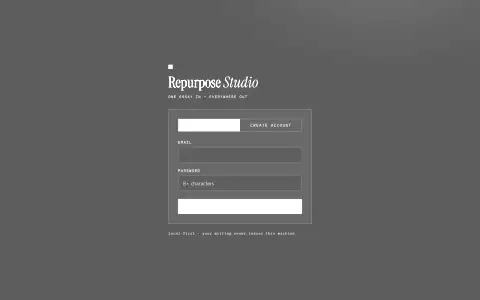
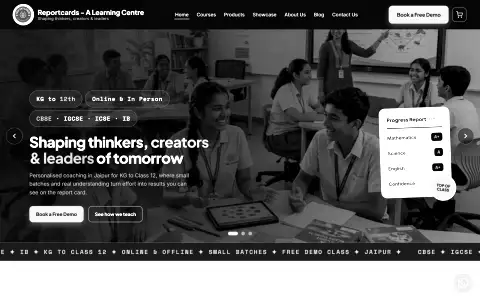
I start a portal project by looking at the records and tasks your current tools hold. You might be running your attendance, fees and client approvals out of notebooks, spreadsheets and WhatsApp groups. For the Reportcards ERP, I brought attendance and other coaching centre workflows into role-based views. I use those roles to decide who manages a record and who needs to read it. I build around that division of work rather than treating the portal as a shared spreadsheet. When the tools you started with stop being enough, it is time to build a system that matches your actual workflow.
What I build for your business
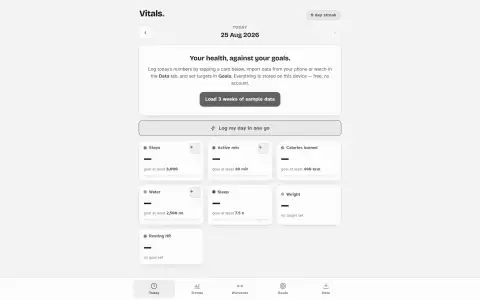
I build the exact tools you need to run your operations smoothly, without forcing you into bloated software packages. I build custom dashboards that show you your outstanding balances, fee ledgers, and who is at risk on one clear screen. I build internal tools for your staff to mark attendance, log daily lesson notes and track long-term progress. I build client approval flows where your clients can see what you have drafted and give you the go-ahead to proceed without digging through email threads. I also build full role-based portals, like the one a Jaipur learning centre runs on, where students, parents, teachers and the administrator all sign in to the same app but each sees only what their role allows. Only the admin manages the fee ledger, and a parent sees the fee view for their own child.
Access control and private data
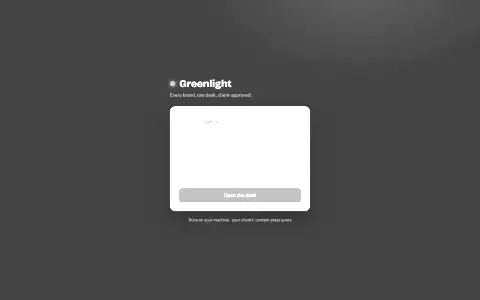
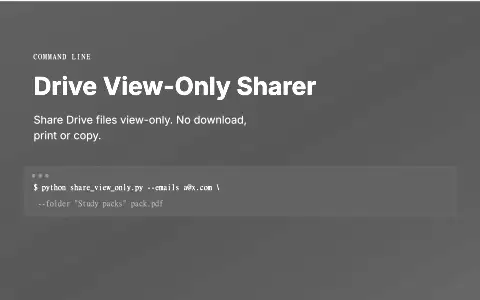
When you move your business data to a portal, security has to be built in from the start. I plan access around the roles that use the system. For the Reportcards ERP, records are protected by role-based policies in the database, so access rules do not rely simply on hiding interface controls. The ERP has role-based views, with published results in the parent portal. For Greenlight, I use revocable links so clients can approve posts from their phone without needing an account, and you can rotate the token to revoke access at any time. I also built the Drive View-Only Sharer, a tool that uploads files, shares them view-only, and switches off download, print and copy for viewers in the same step.
Handover and everyday use
A portal is only useful if your team actually uses it. I build tools that are deliberately unglamorous where it counts: fees in the ERP are a plain ledger with no payment gateway, and report cards print through the browser. For the everyday user, I build sign-in that works on a phone, with a one-time code sent by email for anyone who forgets their password. I include first-run tours for teachers and parents so they know exactly where to click the first time they log in. I check installation and connectivity as part of the handover rather than assuming a cached app shell means all records are available offline. Before handover, I walk the real flow as each role, on a phone, the way the people using it will. If you want to see how this fits into a wider strategy, read about my AI automation services.
QUESTIONS CLIENTS ASK
- Can people outside the business use it?
- Yes, with their own limited view. In the ERP, parents see only their own child’s records. In Greenlight, a client approves posts through a private link without creating an account.
- Do I need a technical background to use it?
- No. Sign-in is one email and one code, and teachers and parents in the ERP get a short first-run tour the first time they open it.
- Will it add a monthly subscription?
- I default to free tiers and tools you already have, and I say up front if a feature would need a paid service.
- How do I start?
- Tell me what your team does by hand today and what you want the finished system to do.
Tell me what you need built
Include the current workflow, who uses it and what a useful result would look like. Concrete beats polished. I usually reply within two days.