




Sage Agent MCP
WordPress MCP server with no Node bridge
A WordPress plugin that lets an AI assistant manage a website directly and safely, from a single endpoint.
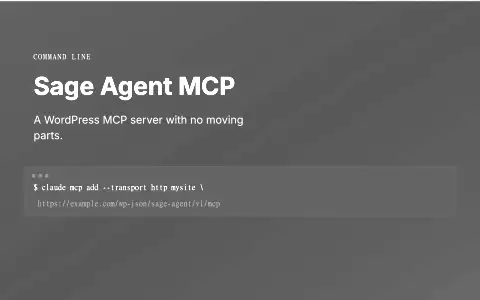
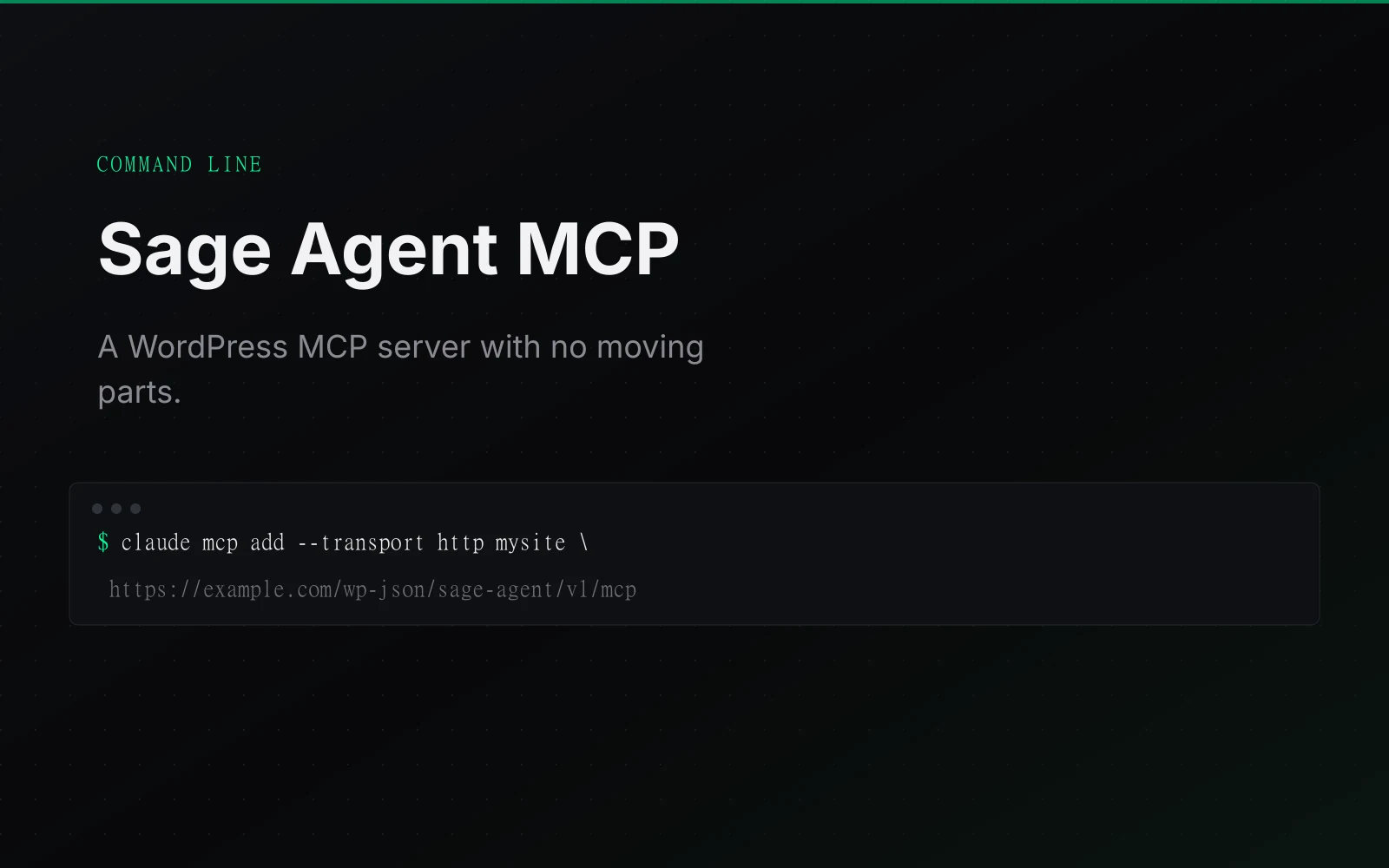
NOT PUBLIC · DEVELOPER TOOL LOCAL TOOL. THE IMAGE IS A GENERATED COMMAND CARD.
The problem
The first WordPress agent worked only by chaining my plugin to the MCP Adapter plugin and then to an npm stdio-to-HTTP bridge. Every connected machine therefore needed Node, and one WordPress connection had three moving parts.
What it does
A self-contained MCP server for WordPress: one plugin, one endpoint, no companion plugin and no Node bridge. It lets an AI client operate a WordPress site directly.
v1 registered abilities into WordPress’s Abilities API and leaned on the MCP Adapter plugin plus an npm package to translate stdio to HTTP, three moving parts and a Node dependency on every machine you connect from. v2 speaks the protocol itself and drops all of it.
Who it is for
Agencies and site owners who want to run WordPress work through an AI assistant.
What it does, feature by feature
- One plugin, one endpoint. Speaks the MCP protocol itself, with no Node bridge or companion plugin.
- 70 abilities in v2.1.0. Posts, pages, media, comments, users, redirects, forms, commerce, analytics, backups and more.
- Light on context. Three tools to discover, describe and run abilities, so the assistant is not flooded.
- Safe code edits. Code is syntax-checked before it saves, and kept inside the WordPress folder.
- Backups first. Destructive actions take a snapshot before they run.
- Drafts by default. New posts start as drafts.
Why it is built this way
I made v2 speak MCP over HTTP itself: one WordPress plugin, one endpoint, no companion plugin, Node bridge, Composer build or external service. 70 abilities in v2.1.0 sit behind three discovery/description/execution tools to keep client context flat, and destructive operations snapshot first; file writes are syntax-checked and confined to `ABSPATH`, while post creation defaults to draft.
What was hard
Writing PHP into a live site is unforgiving: one syntax error in a theme or plugin file takes the whole site down. Every file write is parse-checked before it saves and confined to the WordPress root, and destructive operations snapshot first, because an agent with write access to a live site has to fail safe rather than fast.
What it ships with
- One plugin, one endpoint
- No Node bridge
- Protocol implemented directly