Auto-Blogger App
WordPress auto-blogger for agencies
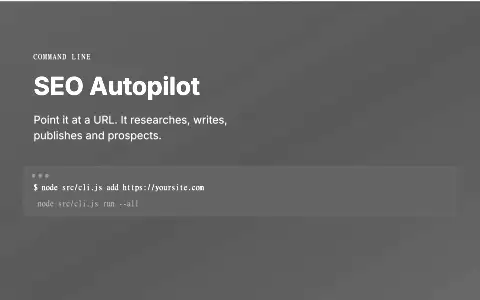
Runs a client's blog and backlink plan from one profile: writes posts, publishes to WordPress, and plans outreach.
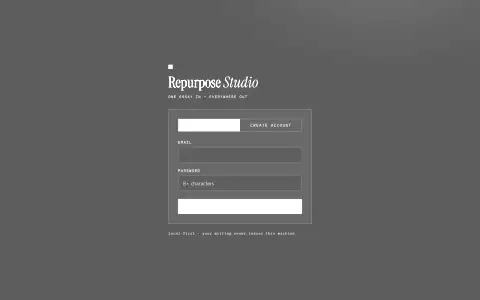
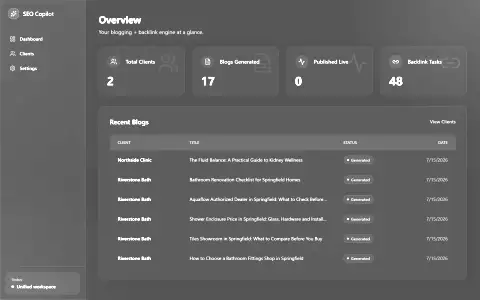
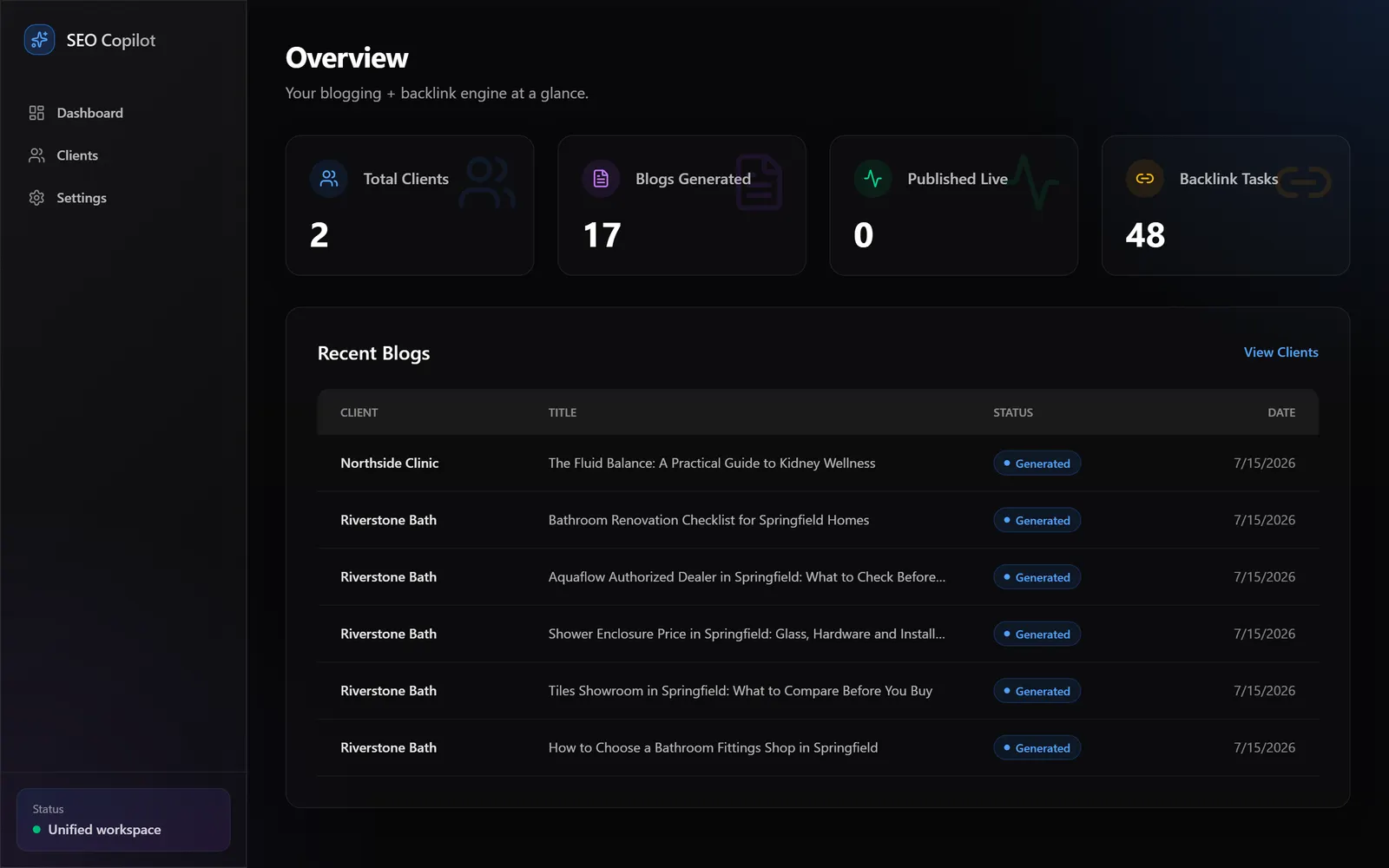
NOT PUBLIC · CLIENT TOOL LOCAL TOOL. THE SCREENSHOT IS FROM THE RUNNING BUILD.
The problem
Agency SEO work kept client identity, keywords, WordPress credentials, blog generation and backlink planning in separate tools. A second client also exposed that the report page was not truly multi-client: it showed the first client's data under whichever client's name was open.
What it does
One app doing both blogging and backlinks off a single client record that holds the business profile, WordPress credentials, and an auto-publish toggle. From there it generates keyword-targeted posts and a full backlink task list.
Built for agency delivery, so the details matter: prompts pipe through STDIN rather than shell args because multi-line prompts get mangled on Windows, and generation runs from a temp directory so the app’s own config never leaks into client output.
Who it is for
Agencies managing SEO content for several clients.
What it does, feature by feature
- One profile per client. Business details, services, keywords and WordPress login, kept separate for every client.
- Research-backed writing. Reads the client's site and trusted sources before writing each 700 to 1,000 word post.
- Batch blogs. Up to ten different articles in one run.
- WordPress publishing. Drafts by default, with a per-client switch for publishing live.
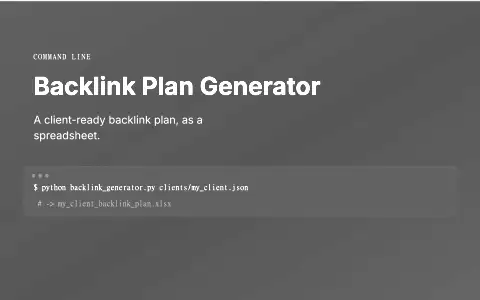
- Backlink plans. Set a monthly target and it finds prospects with a verified public email and proof that submitting is free.
- No repeats. Upload existing backlinks and future plans skip those sites.
- Honest reports. Ranking or traffic claims only appear when real tracking data exists.
- Secure. Stored credentials are encrypted.
Why it is built this way
I unified blogging and backlink planning behind one isolated client record, with WordPress draft-first by default and live publishing only behind a per-client toggle. The model prompt goes over stdin because Windows mangles multi-line shell arguments, and it runs from a neutral temp directory so this app's own instructions cannot leak into client copy; the local CLI and local image renderer keep marginal cost at zero.
What was hard
The full audit found a report hardcoded to the first client, database pages frozen at build time by static prerendering, a dead Settings link and a deprecated spawn form. The same codebase records two Windows-specific boundaries: shell arguments damaged prompts, while scheduled-task registration was deliberately left unrun because it would create standing system state and could collide with a developer server on port 3000.
Outcomes
- 10 task categories
- Drafts by default; optional live publishing per client
Stack
Need something similar?
Tell me what your team does by hand today and what the finished system needs to do. I will tell you whether an automation, a custom tool, a portal or a website is the right shape.