





Audio Splitter
Play Windows audio on multiple outputs
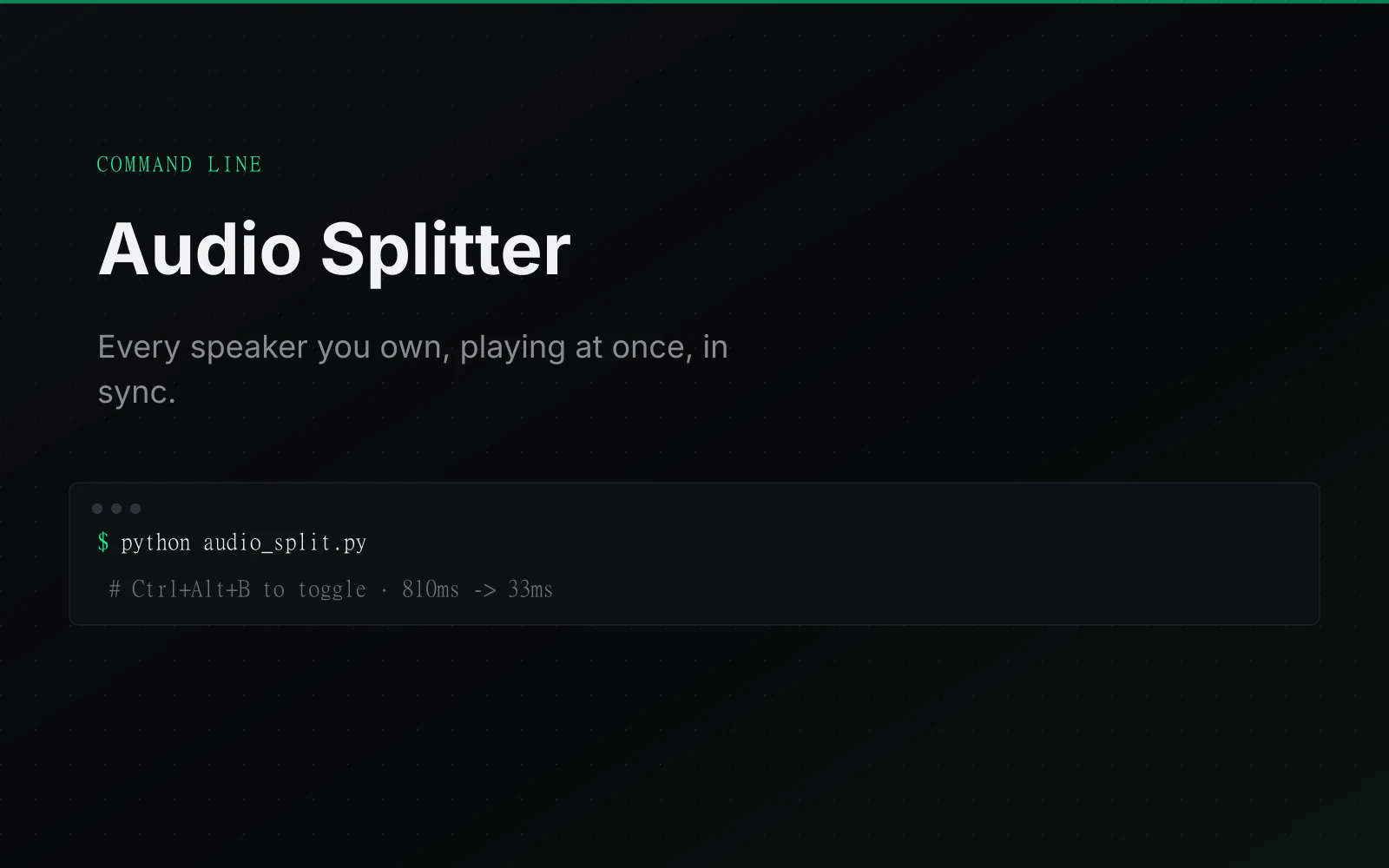
Plays your PC's sound through every speaker at once, laptop, aux, HDMI and Bluetooth, in sync.
The problem
Windows sends system audio to one output at a time, so the laptop, aux pair, HDMI monitor and Bluetooth speaker could not all play together. Simply duplicating the stream was not enough: Bluetooth's encode/transmit/decode delay made it echo behind wired outputs.
What it does
Windows only ever sends system audio to one output device at a time. This routes everything through a silent virtual sink, captures it once, and fans it out live to as many real outputs as you list: laptop speakers, wired aux, HDMI monitor and a Bluetooth speaker, all together.
Each output has a delay control to compensate for different latency. A silent virtual audio device is required; otherwise install a free virtual cable.
Who it is for
Windows users who want sound from several speakers together, for a room, a party or a monitor setup.
What it does, feature by feature
- Every speaker at once. Laptop speakers, wired aux, an HDMI monitor and Bluetooth play together.
- In sync. Each speaker is delayed just enough that Bluetooth does not echo behind the wired ones.
- Live controls. A delay slider, volume slider and on/off switch for each speaker, all working while audio plays.
- Add speakers in the app. Scans for connected devices, so there is no config file to edit.
- Music and video modes. Music keeps everything in sync. Video leaves out slow speakers so the sound stays with the picture.
- Hotkeys. Ctrl+Alt+K opens it, Ctrl+Alt+B turns it on or off, and Ctrl+Alt+M switches mode.
- No driver. Requires a silent virtual audio device; otherwise install a free virtual cable.
Why it is built this way
I capture once from a silent virtual sink and fan the same audio into a bounded queue per WASAPI output, holding each device back by the difference between its latency and the slowest device. That avoids paid software, a custom driver and a reboot; music mode accepts the slowest speaker's delay for sync, while video mode excludes high-latency outputs because this app cannot delay the picture to repair lip-sync.
What was hard
The first output resolver selected MME endpoints, which left HDMI and laptop speakers silent; moving to WASAPI required per-device resampling with phase carried across chunks to stop clicks. The pipeline itself later measured about 810 ms late because 2.7 ms chunks and an 800-chunk transport queue could not drain; increasing chunks and shrinking the queue brought endpoint measurements down to 33-89 ms.
What it ships with
- Silent virtual device required
- Latency-matched outputs
- Open source