
















Keyboard Lock
Switches the keyboard off with one shortcut so you can clean it, then back on again.
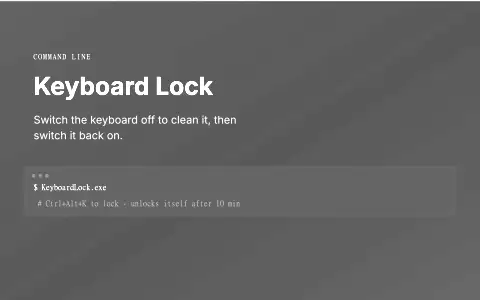
NOT PUBLIC · PERSONAL TOOL LOCAL TOOL. THE IMAGE IS A GENERATED COMMAND CARD.

The problem
Cleaning a laptop keyboard while the computer is on types rubbish into whatever is open, and shutting down just to wipe the keys wastes time.
What it does
A tiny Windows tray app. Press Ctrl+Alt+K and the physical keyboard stops responding while the mouse keeps working. Press it again, or use the tray icon, to switch it back on.
Who it is for
Anyone who wants to wipe a laptop keyboard without shutting the computer down.
What it does, feature by feature
- One shortcut. Ctrl+Alt+K switches the keyboard off and on.
- Mouse stays on. Unlock or exit from the tray icon at any time.
- Auto unlock. The keyboard switches itself back on after ten minutes.
- On-screen keyboard still works. Only physical key presses are blocked.
- Tiny. A single small Windows program.
Why it is built this way
The mouse stays on deliberately, as the way back: the tray icon always offers Unlock and Exit. The lock also lifts itself after ten minutes, so nobody can end up stuck with a dead keyboard.
What was hard
Blocking keys without losing the way out. It uses a low-level keyboard hook that swallows every physical key press while locked, but it has to track Ctrl and Alt itself to still spot its own shortcut, and it lets software-generated keys through, so the on-screen keyboard keeps working.
What it ships with
- One-shortcut toggle
- 10-minute auto unlock
- Mouse as the way back