




Calendar Widget
Always-on-top Google Calendar widget
A small always-on-top desktop calendar that reads and writes your real Google Calendar.
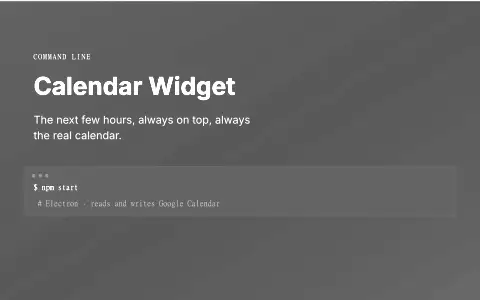
NOT PUBLIC · PERSONAL TOOL LOCAL TOOL. THE IMAGE IS A GENERATED COMMAND CARD.
The problem
A calendar you have to open a browser tab to see is a calendar you stop checking. What was missing was the next few hours sitting on the desktop permanently, but anything that keeps its own copy of your events immediately drifts from the real one.
What it does
A minimal always-on-top desktop widget backed by the actual Google Calendar. Add events, move them, delete them and set daily, weekly or monthly recurrence. Every change lands on the real calendar, not a local copy.
Who it is for
Anyone who wants the next few hours of their day on screen without opening a browser tab.
What it does, feature by feature
- Always visible. The next 14 days of events in a small window that stays on top.
- Add, move, delete. Every change is made on your real Google Calendar, so it shows up on your phone too.
- Repeating events. Daily, weekly or monthly repeats, created as real Google recurring events.
- Stays fresh. Refreshes every five minutes and starts with Windows.
- Free. Uses the Google Calendar API's free personal quota, with no sync service in between.
Why it is built this way
An always-on-top Electron widget that reads and writes the real Google Calendar rather than a local mirror, so adding an event here shows up on the phone and vice versa. It talks to the Google Calendar API directly (free at personal scale, a handful of requests per refresh against a personal quota) so there is no sync service in between and nothing to pay for.
What was hard
Recurring events. A repeat is not a row you copy, it is an RRULE the calendar expands on its own, so the widget writes the rule and lets Google own the expansion. Editing then has to answer a question the interface deliberately does not ask: this instance, or the series. It edits the instance, because that is what Google Calendar itself does when you drag one occurrence, and quietly doing the other thing would rewrite a schedule someone was relying on. The rest was timezone discipline: an event carries either a dateTime or a plain date, never both, and treating an all-day event as a midnight one is how a widget ends up disagreeing with the phone it is supposed to mirror.
What it ships with
- Two-way with Google
- Zero running cost
- Always on top